
Download PDF
The Download PDF feature enables users to export a complete conversation or agent output as a professionally formatted PDF file. This is especially useful for archiving, sharing with stakeholders, or attaching to support tickets.
Features
-
Export Conversations Download full chat transcripts in a clean, readable PDF layout.
-
Preserve Formatting Retains rich text elements such as bold text, bullet points, and code blocks.
-
Easy Sharing & Archiving Ideal for storing records, printing, or emailing conversation summaries.
How to Use
-
Open the conversation or chat session you’d like to export.
-
Click the "Download PDF" button located in the top-right corner of the chat interface.
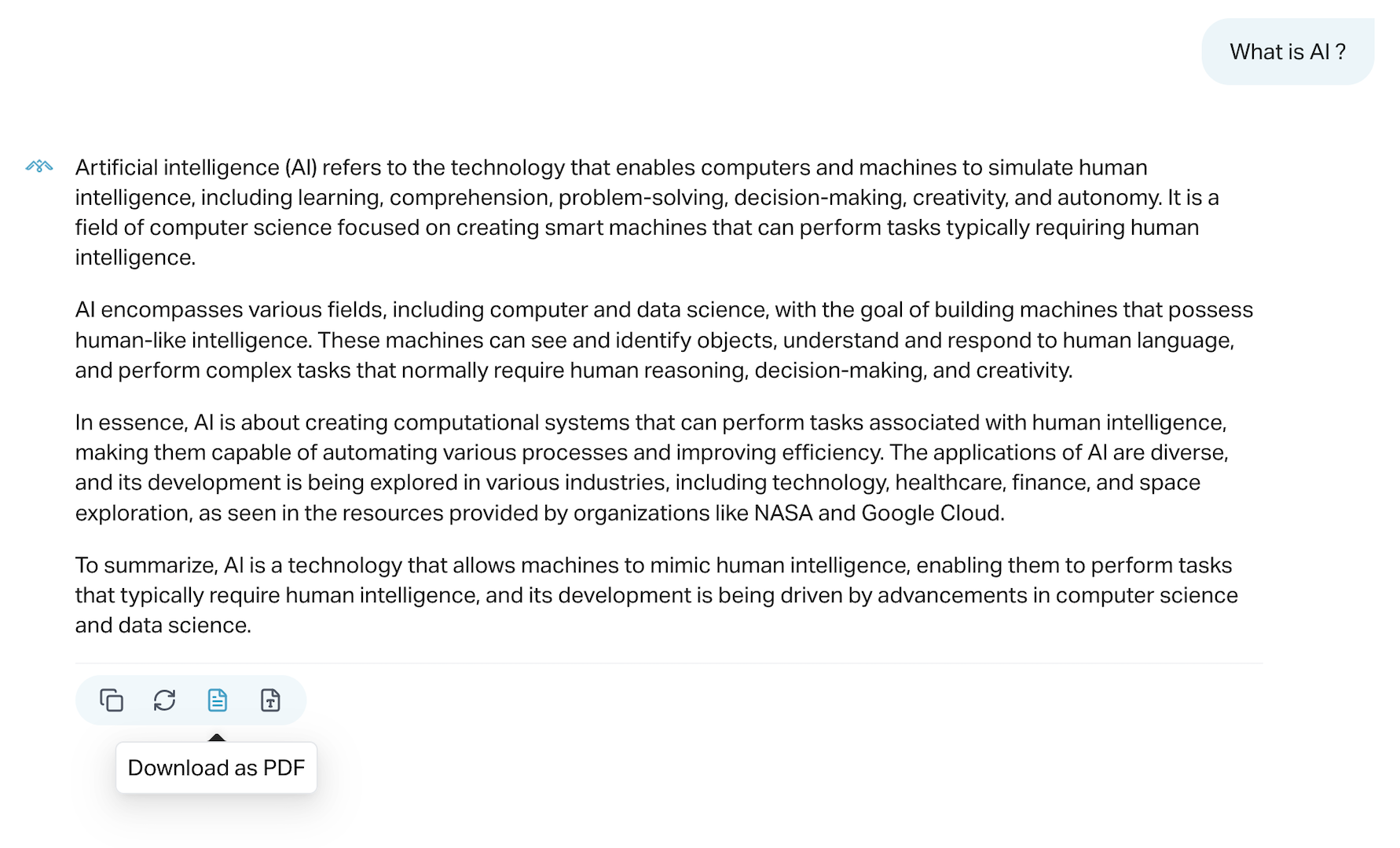
-
The file will automatically download to your device with a timestamped filename.
Use Cases
-
Client Reports Share AI-generated responses with clients or customers.
-
Internal Documentation Save key conversations for reference or training purposes.
-
Compliance & Audit Maintain records of important user interactions for regulatory needs.
Note: PDF exports include timestamps, user/agent labels, and all message content. Admins can configure whether private notes are included.
Let me know if you’d like to add a section for customizing PDF styling or adding company branding.